3 min read
From logo upload to production-ready neon design
How the Upgraded Neon Logo pipeline turns an uploaded logo into a live preview and production-ready files for the bending machine.
The challenge
A neon sign almost always starts with a logo. The customer has a mark — a PNG, a JPG, sometimes a photo — and wants to know what it looks like as an illuminated sign and what it costs. Traditionally that is handwork: someone redraws the logo, estimates the length of the tube, settles the colours and works out the price. That takes time, and it is easy to get wrong.
Upgraded Neon Logo replaces that handwork with a pipeline that runs in the browser. Here it is, step by step.
The pipeline, step by step
1. The visitor uploads a logo
It starts with an upload. The customer drags their logo onto the screen — an ordinary bitmap file. From that moment everything is automated; the visitor doesn’t have to draw or measure anything.
2. Automatic vectorisation
A bitmap is made of pixels and isn’t usable for production. The pipeline vectorises the image: it traces the contours and turns the pixels into lines and paths. That’s the step from “a picture” to “a drawing” — vectors you can scale, measure and follow with a bending machine.
3. Text recognition
Many logos contain text. Using text recognition (OCR) the pipeline reads that text out of the image. That way the system knows where the letters are and can treat the text parts separately from the shapes — important, because letters are bent differently in neon than a graphic symbol.
4. Live neon preview on a wall
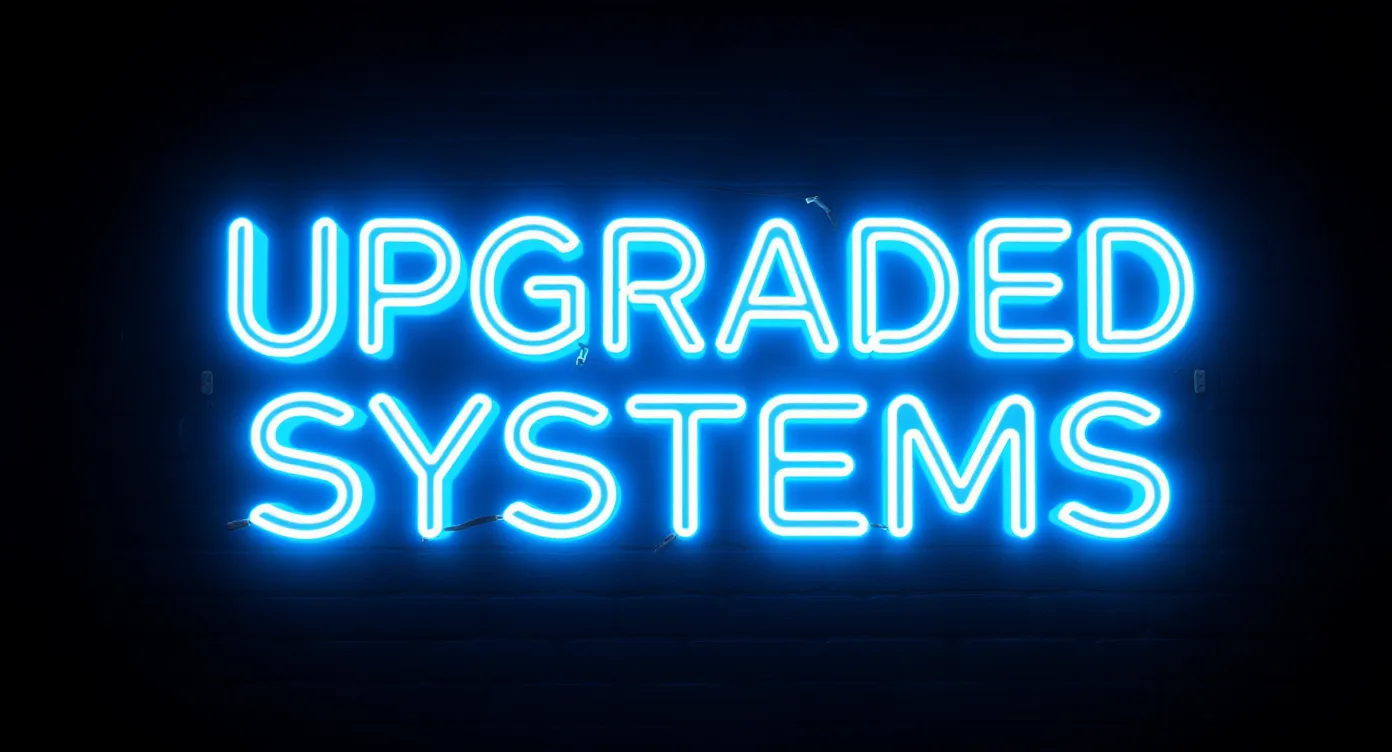
The vectorised lines come straight back as neon: the configurator renders the design as a glowing sign, projected onto a wall. The customer doesn’t see an abstract drawing but a realistic impression of the finished piece — in the chosen colour, at true proportion. Change a colour or the size, and the preview follows.
5. Production-ready files
What the customer sees as a glowing preview is already production data underneath. The pipeline delivers the vectors as SVG and DXF — the formats a bending machine reads. The length of the neon tube follows directly from the paths, and the price follows from that. Nothing has to be translated between “what the customer chose” and “what the workshop makes”: it is the same file.
Why this works
The strength is in the chain. Every step delivers exactly what the next one needs: the upload feeds the vectorisation, the vectorisation feeds both the preview and the production files, and the OCR keeps text and shape apart. What the visitor experiences as a simple “drag your logo here” is, behind the scenes, a sequence of operations a craftsman would normally do by hand.
The result is that one upload is enough to get from a logo to a production-ready neon design — with a price that’s right because it comes from the real geometry, not from an estimate.
This is the chain that sits underneath Upgraded Neon Logo. Does your product have a step like that, where someone recalculates or redraws every request by hand? Then the question is mostly which operation you take out. How we approach that is on our way of working; if you’d rather just put it to us, do that here.
Does this sound familiar?
Then it's worth half an hour. We'll look at where your time actually goes and tell you straight whether software will help — including when the answer is no.
Plan an intake